Buy brainstation.eu ?
We are moving the project
brainstation.eu .
Are you interested in purchasing the domain
brainstation.eu ?
domain@kv-gmbh.de · 0541-91531010
Buy brainstation.eu ?
What is the difference between Microsoft Office 2019 and Microsoft Office 365?
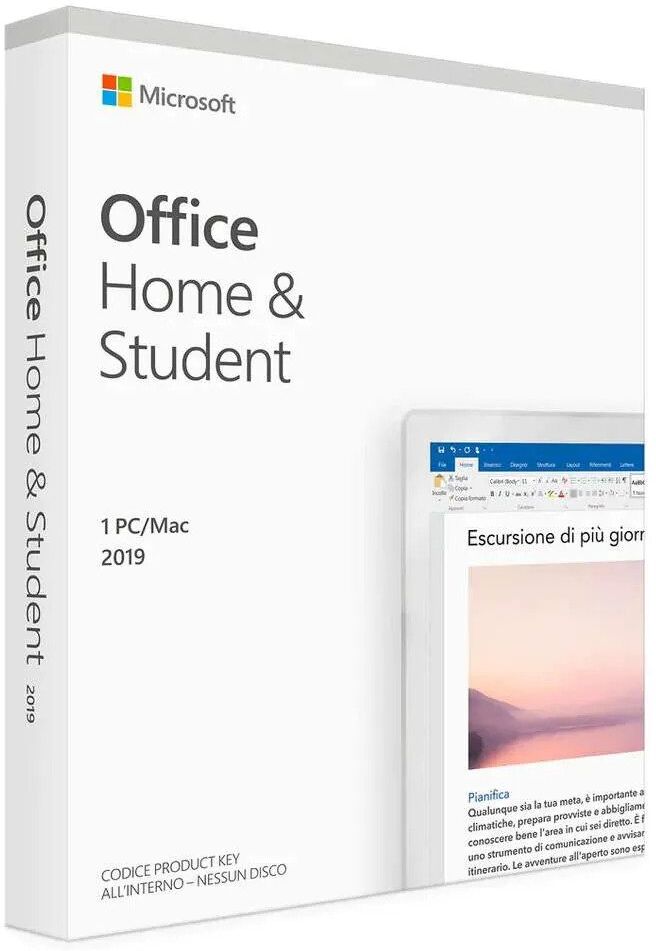
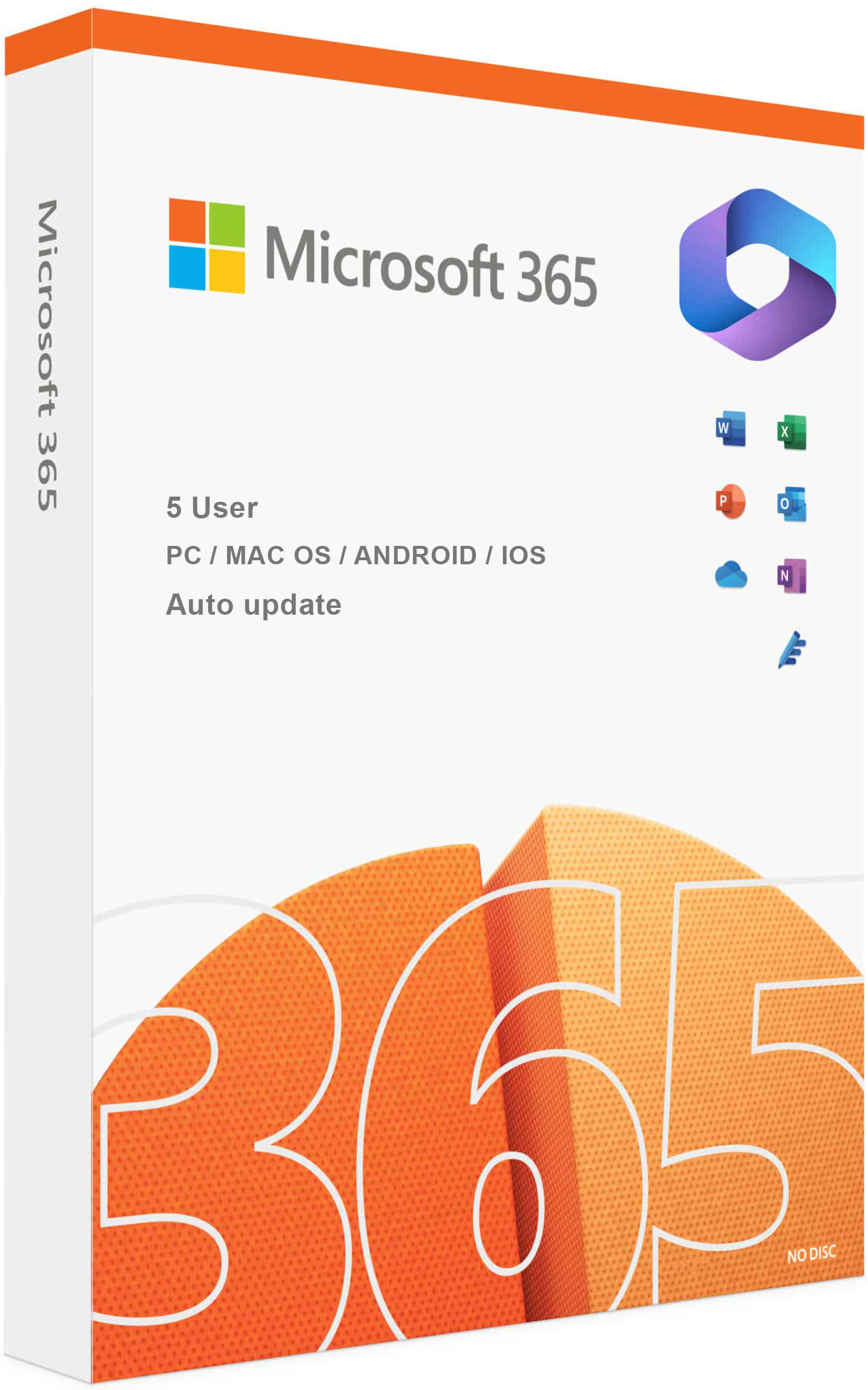
Microsoft Office 2019 is a one-time purchase that includes classic applications such as Word, Excel, and PowerPoint. It does not receive new features or updates after the initial purchase, and users are required to pay for any future upgrades. On the other hand, Microsoft Office 365 is a subscription-based service that includes the latest versions of the Office applications, as well as other productivity services such as OneDrive and Skype. Office 365 subscribers receive regular updates and new features, and have the flexibility to access their applications and files from any device with an internet connection. **
How can one demonstrate Microsoft Office skills on a resume?
One can demonstrate Microsoft Office skills on a resume by listing specific programs within the suite that they are proficient in, such as Word, Excel, PowerPoint, and Outlook. Additionally, one can mention any certifications or training related to Microsoft Office, such as MOS (Microsoft Office Specialist) certification. It is also helpful to provide specific examples of how these skills were utilized in previous roles, such as creating reports in Excel or designing presentations in PowerPoint. Lastly, including any relevant projects or accomplishments that showcase Microsoft Office skills can further demonstrate proficiency in the suite. **
Similar search terms for Microsoft-Office
Top-Angebote
Products related to Microsoft-Office:
-
Microsoft office 2016Microsoft Office 2016 Explore the complete productivity suite with Microsoft Office 2016, perfect for professionals, students and home users. This version includes essential tools and new features that improve your efficiency and facilitate teamwork. Main features: Word 2016 Create professional documents with advanced formatting capabilities and built-in collaboration tools. Excel 2016 Analyses and visualises your data with new functions, improved graphics and greater computing power. PowerPoint 2016 : Create engaging and dynamic presentations with new visual effects and real-time collaboration tools. Outlook 2016 Manage your emails, calendars and contacts efficiently with an improved interface and new search functionality. Access 2016 : Create and manage powerful databases with ease, thanks to intuitive tools and advanced functionality. Publisher 2016 : Design and publish high-quality marketing materials with professional layout tools. New in Office 2016: Improved collaboration Work on documents shared in real time with colleagues and friends, thanks to co-authoring features. Smart Lookup : Find relevant information from the web directly within your Office documents. Cloud integration Save and access your files from anywhere with seamless integration with OneDrive. Tell Me : Use the "Ask Me" feature to quickly find the Office features you need. System requirements: Operating system : Windows 7, Windows 8, Windows 10, Windows Server 2008 R2, Windows Server 2012 Processor 1 GHz or faster, x86 or x64 with SSE2 RAM 2 GB (64 bit), 1 GB (32 bit) Disk space 3 GB of available space Display Resolution 1280 x 800 Why choose Microsoft Office 2016: Reliability Industry-leading software with decades of innovation and improvements. Global support : Access to support and training resources from Microsoft and the user community. Compatibility : Full compatibility with previous versions and other productivity software. Transform the way you work with Microsoft Office 2016. Buy now and start making the most of your production capabilities!7,03 £*Shipping: 0,00 £Secure redirect to the provider
-
Microsoft Office 2021 Professional Plus & Microsoft Visio 2021 LifetimeExclusive Bundle: Microsoft Office 2021 Professional Plus & Microsoft Visio 2021 – £25.33 Elevate your productivity with our exceptional bundle featuring Microsoft Office 2021 Professional Plus and Microsoft Visio 2021. This bundle provides you with comprehensive tools to enhance your work efficiency and create professional diagrams effortlessly. Microsoft Office 2021 Professional Plus: Programs Included: Outlook, Word, Excel, PowerPoint, Access, Publisher, Skype for Business. Platform: Windows Product Type: Full Version, One-time purchase Compatibility: Works with Windows 10 and Windows 11 Instant Delivery: Receive your product keys and download links via email immediately after purchase. Microsoft Visio Professional 2021: Features: Flexible editing, real-time presence indicators, simultaneous team editing, supports multiple data sources, data-driven diagramming, AutoCAD support. Platform: Windows / Windows Server Product Type: Full Version Instant Delivery: Receive your product key and download link via email immediately after purchase. Bundle Info: Price: £25.33 Delivery: Instant via email Support: Full customer support available from Microsoft Note: This bundle is for Windows systems only. FAQs: Q: Do I get a download link for these applications? A: Yes, you will receive links to download both Office and Visio directly from Microsoft’s official site. Q: Are these keys genuine and legitimate? A: Yes, both keys are 100% authentic and guaranteed. Q: Can I get customer support if needed? A: Yes, you can get support directly from Microsoft.23,40 £*Shipping: 0,00 £Secure redirect to the provider
-
Microsoft Office Home 2024Office Home 2024 is the basic productivity package, designed for users who need daily use of Word, Excel and PowerPoint applications only. The licence is perpetual: no subscription and no recurring costs, you pay once and the software is yours forever. IMPORTANT: The software is for non-commercial use and is compatible with Windows 11, Windows 10 and recent Mac OS systems (Sequoia recommended minimum). If you need an Office version for business requirements that includes the full package, have a look at Office Home & Business 2024 PC/Mac. By purchasing Office Home 2024 you will receive: A lifetime original licence key from Microsoft Cloud Service partner Step-by-step guide to installation and product activation Free technical support from PrimeLicense experts What is included in Office Home 2024? Office Home 2024 provides you with an essential selection of the Microsoft Office suite, perfect for students, families and personal use. The included software is: Word – Create professional documents, reports and letters Excel – Track expenses, create spreadsheets and use useful formulas PowerPoint – Create clear and engaging presentations This edition does not include Outlook, Publisher or Access. It is designed for a single computer and represents a simple and economical solution for everyday activities and study. Office Home 2024 is compatible with Windows 11, Windows 10 and the latest versions of macOS. Make sure your device meets the minimum requirements. Office 2024 versions: which one to choose? The table below outlines all the features of the Office 2024 versions, allowing you to choose the one that best suits your needs. Feature Office Home 2024 Office Home & Business 2024 Office Professional Plus 2024 LTSC Compatibility Windows, macOS Windows, macOS Windows Users 1 user 1 user 1 user Devices 1 device 1 device 1 device Payment One-time One-time One-time Commercial use No Yes Yes Word ✓ ✓ ✓ Excel ✓ ✓ ✓ PowerPoint ✓ ✓ ✓ Outlook — ✓ ✓ OneNote — ✓ ✓ Access — — ✓ Office Home 2024 vs Microsoft 365: what is the difference? Unsure between Office 2024 Home or Microsoft 365? The main difference is that Office Home 2024 is a one-time purchase: you pay once and the licence is yours forever, with no recurring costs. Microsoft 365 is instead a subscription service: you pay monthly or annually and a subscription is required to have constant access to the applications. Here are some of the main differences. Feature Office Home 2024 Microsoft 365 Payment One-time purchase Monthly or annual subscription Licence duration Forever For as long as you maintain the subscription Apps included Word, Excel, PowerPoint Word, Excel, PowerPoint, Outlook, OneNote, Access Updates Security updates only Regular feature updates Cloud storage Not included 1 TB OneDrive included Multi-device support 1 PC or 1 Mac PC, Mac and mobile devices Ideal for Study and personal use on a single device Cloud work, sharing and cross-platform access If you want a reliable, simple and economical...110,90 £*Shipping: 0,00 £Secure redirect to the provider
-
Microsoft Office 5 DevicesMicrosoft Office 5 Devices. Lifetime licence for 5 devices, delivered digitally by email. Includes essential productivity applications for work and home, multilingual support where available, official download access and installation guidance. No physical product or shipping is required.249,95 £*Shipping: 0,00 £Secure redirect to the provider


-
How can I upgrade from Microsoft Office 2007 to Microsoft Office 2019 without losing data?
To upgrade from Microsoft Office 2007 to Microsoft Office 2019 without losing data, you can follow these steps: 1. Backup your important files and data from Microsoft Office 2007 to an external storage device or cloud storage. 2. Uninstall Microsoft Office 2007 from your computer. 3. Install Microsoft Office 2019 on your computer. 4. During the installation process, choose the option to keep your files and settings to ensure that your data is retained. By following these steps, you can upgrade to Microsoft Office 2019 without losing any of your important data. **
-
Which smartwatch supports Microsoft Office Word?
As of now, the Apple Watch does not support Microsoft Office Word. However, there are other smartwatches that are compatible with Microsoft Office Word, such as the Samsung Galaxy Watch and the Fitbit Versa. These smartwatches allow users to view and edit Word documents directly from their wrist, making it convenient for users who need to access and work on Word documents on the go. **
-
How can I renew Microsoft Office?
To renew Microsoft Office, you can either purchase a subscription directly from the Microsoft website or through a licensed retailer. Once you have purchased the subscription, you can renew it by signing into your Microsoft account and navigating to the subscription management page. From there, you can choose to renew your subscription and make the necessary payment to continue using Microsoft Office. Additionally, if you have set up auto-renewal for your subscription, it will automatically renew at the end of the subscription period. **
-
Why can't Microsoft Office be installed?
Microsoft Office cannot be installed because it is not supported on the platform or device being used. For example, Microsoft Office may not be compatible with a particular operating system or hardware configuration. Additionally, the device may not meet the minimum system requirements for installing Microsoft Office. Finally, there may be restrictions or limitations on the device that prevent the installation of third-party software like Microsoft Office. **
Has my Microsoft Office subscription expired?
To check if your Microsoft Office subscription has expired, you can log in to your Microsoft account and go to the Services & Subscriptions section. Here, you can view the status of your Office subscription and see if it has expired or is still active. Additionally, you may receive notifications or emails from Microsoft informing you about the expiration of your subscription. If you are still unsure, you can contact Microsoft customer support for further assistance. **
How can Microsoft Office be restored?
Microsoft Office can be restored by reinstalling the software from the original installation files or by using the "Repair" option in the Control Panel. If the issue is related to a specific program within the Office suite, such as Word or Excel, you can try repairing or reinstalling that specific program. Additionally, if the problem is related to a corrupted user profile, creating a new user profile and reinstalling Office may resolve the issue. If all else fails, contacting Microsoft support for further assistance may be necessary. **
Top-Angebote
Products related to Microsoft-Office:
-
Microsoft OfficeMicrosoft Office. Lifetime licence, delivered digitally by email. Includes essential productivity applications for work and home, multilingual support where available, official download access and installation guidance. No physical product or shipping is required.39,95 £*Shipping: 0,00 £Secure redirect to the provider
-
Microsoft Office 365Microsoft Office 365. Lifetime licence, delivered digitally by email. Includes essential productivity applications for work and home, multilingual support where available, official download access and installation guidance. No physical product or shipping is required.29,95 £*Shipping: 0,00 £Secure redirect to the provider
-
Microsoft office 2016Microsoft Office 2016 Explore the complete productivity suite with Microsoft Office 2016, perfect for professionals, students and home users. This version includes essential tools and new features that improve your efficiency and facilitate teamwork. Main features: Word 2016 Create professional documents with advanced formatting capabilities and built-in collaboration tools. Excel 2016 Analyses and visualises your data with new functions, improved graphics and greater computing power. PowerPoint 2016 : Create engaging and dynamic presentations with new visual effects and real-time collaboration tools. Outlook 2016 Manage your emails, calendars and contacts efficiently with an improved interface and new search functionality. Access 2016 : Create and manage powerful databases with ease, thanks to intuitive tools and advanced functionality. Publisher 2016 : Design and publish high-quality marketing materials with professional layout tools. New in Office 2016: Improved collaboration Work on documents shared in real time with colleagues and friends, thanks to co-authoring features. Smart Lookup : Find relevant information from the web directly within your Office documents. Cloud integration Save and access your files from anywhere with seamless integration with OneDrive. Tell Me : Use the "Ask Me" feature to quickly find the Office features you need. System requirements: Operating system : Windows 7, Windows 8, Windows 10, Windows Server 2008 R2, Windows Server 2012 Processor 1 GHz or faster, x86 or x64 with SSE2 RAM 2 GB (64 bit), 1 GB (32 bit) Disk space 3 GB of available space Display Resolution 1280 x 800 Why choose Microsoft Office 2016: Reliability Industry-leading software with decades of innovation and improvements. Global support : Access to support and training resources from Microsoft and the user community. Compatibility : Full compatibility with previous versions and other productivity software. Transform the way you work with Microsoft Office 2016. Buy now and start making the most of your production capabilities!7,03 £*Shipping: 0,00 £Secure redirect to the provider
-
Microsoft Office 2021 Professional Plus & Microsoft Visio 2021 LifetimeExclusive Bundle: Microsoft Office 2021 Professional Plus & Microsoft Visio 2021 – £25.33 Elevate your productivity with our exceptional bundle featuring Microsoft Office 2021 Professional Plus and Microsoft Visio 2021. This bundle provides you with comprehensive tools to enhance your work efficiency and create professional diagrams effortlessly. Microsoft Office 2021 Professional Plus: Programs Included: Outlook, Word, Excel, PowerPoint, Access, Publisher, Skype for Business. Platform: Windows Product Type: Full Version, One-time purchase Compatibility: Works with Windows 10 and Windows 11 Instant Delivery: Receive your product keys and download links via email immediately after purchase. Microsoft Visio Professional 2021: Features: Flexible editing, real-time presence indicators, simultaneous team editing, supports multiple data sources, data-driven diagramming, AutoCAD support. Platform: Windows / Windows Server Product Type: Full Version Instant Delivery: Receive your product key and download link via email immediately after purchase. Bundle Info: Price: £25.33 Delivery: Instant via email Support: Full customer support available from Microsoft Note: This bundle is for Windows systems only. FAQs: Q: Do I get a download link for these applications? A: Yes, you will receive links to download both Office and Visio directly from Microsoft’s official site. Q: Are these keys genuine and legitimate? A: Yes, both keys are 100% authentic and guaranteed. Q: Can I get customer support if needed? A: Yes, you can get support directly from Microsoft.23,40 £*Shipping: 0,00 £Secure redirect to the provider
-
What is the difference between Microsoft Office 2019 and Microsoft Office 365?
Microsoft Office 2019 is a one-time purchase that includes classic applications such as Word, Excel, and PowerPoint. It does not receive new features or updates after the initial purchase, and users are required to pay for any future upgrades. On the other hand, Microsoft Office 365 is a subscription-based service that includes the latest versions of the Office applications, as well as other productivity services such as OneDrive and Skype. Office 365 subscribers receive regular updates and new features, and have the flexibility to access their applications and files from any device with an internet connection. **
-
How can one demonstrate Microsoft Office skills on a resume?
One can demonstrate Microsoft Office skills on a resume by listing specific programs within the suite that they are proficient in, such as Word, Excel, PowerPoint, and Outlook. Additionally, one can mention any certifications or training related to Microsoft Office, such as MOS (Microsoft Office Specialist) certification. It is also helpful to provide specific examples of how these skills were utilized in previous roles, such as creating reports in Excel or designing presentations in PowerPoint. Lastly, including any relevant projects or accomplishments that showcase Microsoft Office skills can further demonstrate proficiency in the suite. **
-
How can I upgrade from Microsoft Office 2007 to Microsoft Office 2019 without losing data?
To upgrade from Microsoft Office 2007 to Microsoft Office 2019 without losing data, you can follow these steps: 1. Backup your important files and data from Microsoft Office 2007 to an external storage device or cloud storage. 2. Uninstall Microsoft Office 2007 from your computer. 3. Install Microsoft Office 2019 on your computer. 4. During the installation process, choose the option to keep your files and settings to ensure that your data is retained. By following these steps, you can upgrade to Microsoft Office 2019 without losing any of your important data. **
-
Which smartwatch supports Microsoft Office Word?
As of now, the Apple Watch does not support Microsoft Office Word. However, there are other smartwatches that are compatible with Microsoft Office Word, such as the Samsung Galaxy Watch and the Fitbit Versa. These smartwatches allow users to view and edit Word documents directly from their wrist, making it convenient for users who need to access and work on Word documents on the go. **
Similar search terms for Microsoft-Office
-
Microsoft Office Home 2024Office Home 2024 is the basic productivity package, designed for users who need daily use of Word, Excel and PowerPoint applications only. The licence is perpetual: no subscription and no recurring costs, you pay once and the software is yours forever. IMPORTANT: The software is for non-commercial use and is compatible with Windows 11, Windows 10 and recent Mac OS systems (Sequoia recommended minimum). If you need an Office version for business requirements that includes the full package, have a look at Office Home & Business 2024 PC/Mac. By purchasing Office Home 2024 you will receive: A lifetime original licence key from Microsoft Cloud Service partner Step-by-step guide to installation and product activation Free technical support from PrimeLicense experts What is included in Office Home 2024? Office Home 2024 provides you with an essential selection of the Microsoft Office suite, perfect for students, families and personal use. The included software is: Word – Create professional documents, reports and letters Excel – Track expenses, create spreadsheets and use useful formulas PowerPoint – Create clear and engaging presentations This edition does not include Outlook, Publisher or Access. It is designed for a single computer and represents a simple and economical solution for everyday activities and study. Office Home 2024 is compatible with Windows 11, Windows 10 and the latest versions of macOS. Make sure your device meets the minimum requirements. Office 2024 versions: which one to choose? The table below outlines all the features of the Office 2024 versions, allowing you to choose the one that best suits your needs. Feature Office Home 2024 Office Home & Business 2024 Office Professional Plus 2024 LTSC Compatibility Windows, macOS Windows, macOS Windows Users 1 user 1 user 1 user Devices 1 device 1 device 1 device Payment One-time One-time One-time Commercial use No Yes Yes Word ✓ ✓ ✓ Excel ✓ ✓ ✓ PowerPoint ✓ ✓ ✓ Outlook — ✓ ✓ OneNote — ✓ ✓ Access — — ✓ Office Home 2024 vs Microsoft 365: what is the difference? Unsure between Office 2024 Home or Microsoft 365? The main difference is that Office Home 2024 is a one-time purchase: you pay once and the licence is yours forever, with no recurring costs. Microsoft 365 is instead a subscription service: you pay monthly or annually and a subscription is required to have constant access to the applications. Here are some of the main differences. Feature Office Home 2024 Microsoft 365 Payment One-time purchase Monthly or annual subscription Licence duration Forever For as long as you maintain the subscription Apps included Word, Excel, PowerPoint Word, Excel, PowerPoint, Outlook, OneNote, Access Updates Security updates only Regular feature updates Cloud storage Not included 1 TB OneDrive included Multi-device support 1 PC or 1 Mac PC, Mac and mobile devices Ideal for Study and personal use on a single device Cloud work, sharing and cross-platform access If you want a reliable, simple and economical...110,90 £*Shipping: 0,00 £Secure redirect to the provider
-
Microsoft Office 5 DevicesMicrosoft Office 5 Devices. Lifetime licence for 5 devices, delivered digitally by email. Includes essential productivity applications for work and home, multilingual support where available, official download access and installation guidance. No physical product or shipping is required.249,95 £*Shipping: 0,00 £Secure redirect to the provider
-
Microsoft Office 1 DeviceMicrosoft Office 1 Device. Lifetime licence for 1 device, delivered digitally by email. Includes essential productivity applications for work and home, multilingual support where available, official download access and installation guidance. No physical product or shipping is required.59,95 £*Shipping: 0,00 £Secure redirect to the provider
-
Microsoft Office 3 DevicesMicrosoft Office 3 Devices. Lifetime licence for 3 devices, delivered digitally by email. Includes essential productivity applications for work and home, multilingual support where available, official download access and installation guidance. No physical product or shipping is required.169,90 £*Shipping: 0,00 £Secure redirect to the provider
-
How can I renew Microsoft Office?
To renew Microsoft Office, you can either purchase a subscription directly from the Microsoft website or through a licensed retailer. Once you have purchased the subscription, you can renew it by signing into your Microsoft account and navigating to the subscription management page. From there, you can choose to renew your subscription and make the necessary payment to continue using Microsoft Office. Additionally, if you have set up auto-renewal for your subscription, it will automatically renew at the end of the subscription period. **
-
Why can't Microsoft Office be installed?
Microsoft Office cannot be installed because it is not supported on the platform or device being used. For example, Microsoft Office may not be compatible with a particular operating system or hardware configuration. Additionally, the device may not meet the minimum system requirements for installing Microsoft Office. Finally, there may be restrictions or limitations on the device that prevent the installation of third-party software like Microsoft Office. **
-
Has my Microsoft Office subscription expired?
To check if your Microsoft Office subscription has expired, you can log in to your Microsoft account and go to the Services & Subscriptions section. Here, you can view the status of your Office subscription and see if it has expired or is still active. Additionally, you may receive notifications or emails from Microsoft informing you about the expiration of your subscription. If you are still unsure, you can contact Microsoft customer support for further assistance. **
-
How can Microsoft Office be restored?
Microsoft Office can be restored by reinstalling the software from the original installation files or by using the "Repair" option in the Control Panel. If the issue is related to a specific program within the Office suite, such as Word or Excel, you can try repairing or reinstalling that specific program. Additionally, if the problem is related to a corrupted user profile, creating a new user profile and reinstalling Office may resolve the issue. If all else fails, contacting Microsoft support for further assistance may be necessary. **
* All prices are inclusive of VAT and, if applicable, plus shipping costs. The offer information is based on the details provided by the respective shop and is updated through automated processes. Real-time updates do not occur, so deviations can occur in individual cases. ** Note: Parts of this content were created by AI.